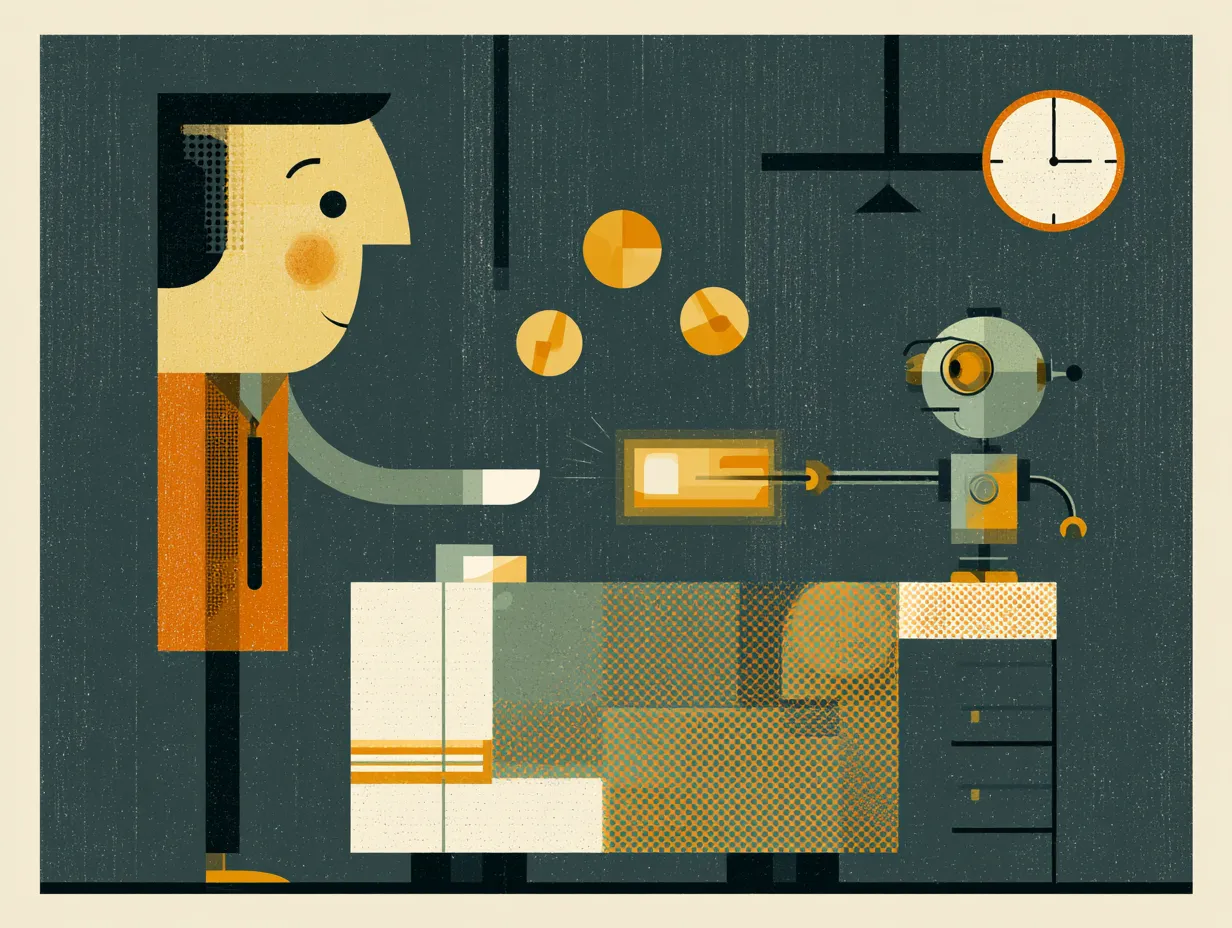
To collect payments from your website after appointments, use a hidden payment page: a URL on your site that is not in the navigation. You share it with the client by text right after the visit, they pay on their phone through Stripe, and cash flow speeds up.
If you are a massage therapist, dentist, consultant, or any service provider who delivers the work first and bills after, the standard e-commerce checkout flow does not apply. You cannot add "one hour consultation" to a shopping cart.
We built a hidden payment page pattern for service businesses. The page lives at a URL on your website but does not appear in the navigation or any public-facing link. You share the link directly with the client after the appointment, usually by text message while they are still in the office.
The page uses Stripe to handle the actual payment. You enter the amount, the client pays on their phone, and Stripe handles the rest (receipts, tax reporting, deposits to your bank account). Optional gratuity support shows a selector (15%, 20%, 25%, custom) that adds to the base amount.
We exclude the payment page from search engines and the sitemap so it does not get indexed. It is not secret, it is just not meant for public browsing. This keeps the client-facing website clean while giving you a professional payment tool.
This pattern has reduced accounts receivable friction for our clients. Instead of sending invoices days later and chasing payment by email, you collect while the experience is fresh. Less friction, faster cash flow.
Topics
Frequently asked
How do service businesses collect payment when they bill after the work?
Standard e-commerce checkout does not apply because you cannot add "one hour consultation" to a shopping cart. Instead you use a hidden payment page that lives at a URL on your website but does not appear in the navigation, and you share the link directly with the client after the appointment, usually by text while they are still in the office.
How does the client actually pay?
The page uses Stripe to handle the payment. You enter the amount, the client pays on their phone, and Stripe handles receipts, tax reporting, and deposits to your bank account. Optional gratuity support shows a selector (15%, 20%, 25%, custom) that adds to the base amount.
Will the payment page show up in search results?
No. The page is excluded from search engines and the sitemap so it does not get indexed. It is not secret, it is just not meant for public browsing, which keeps the client-facing website clean while giving you a professional payment tool.
Read next
Want to see these systems in action?
Start with a conversation. We will walk through how these workflows apply to your business.
Get your AI Roadmap